1
1 minute
Type your email address
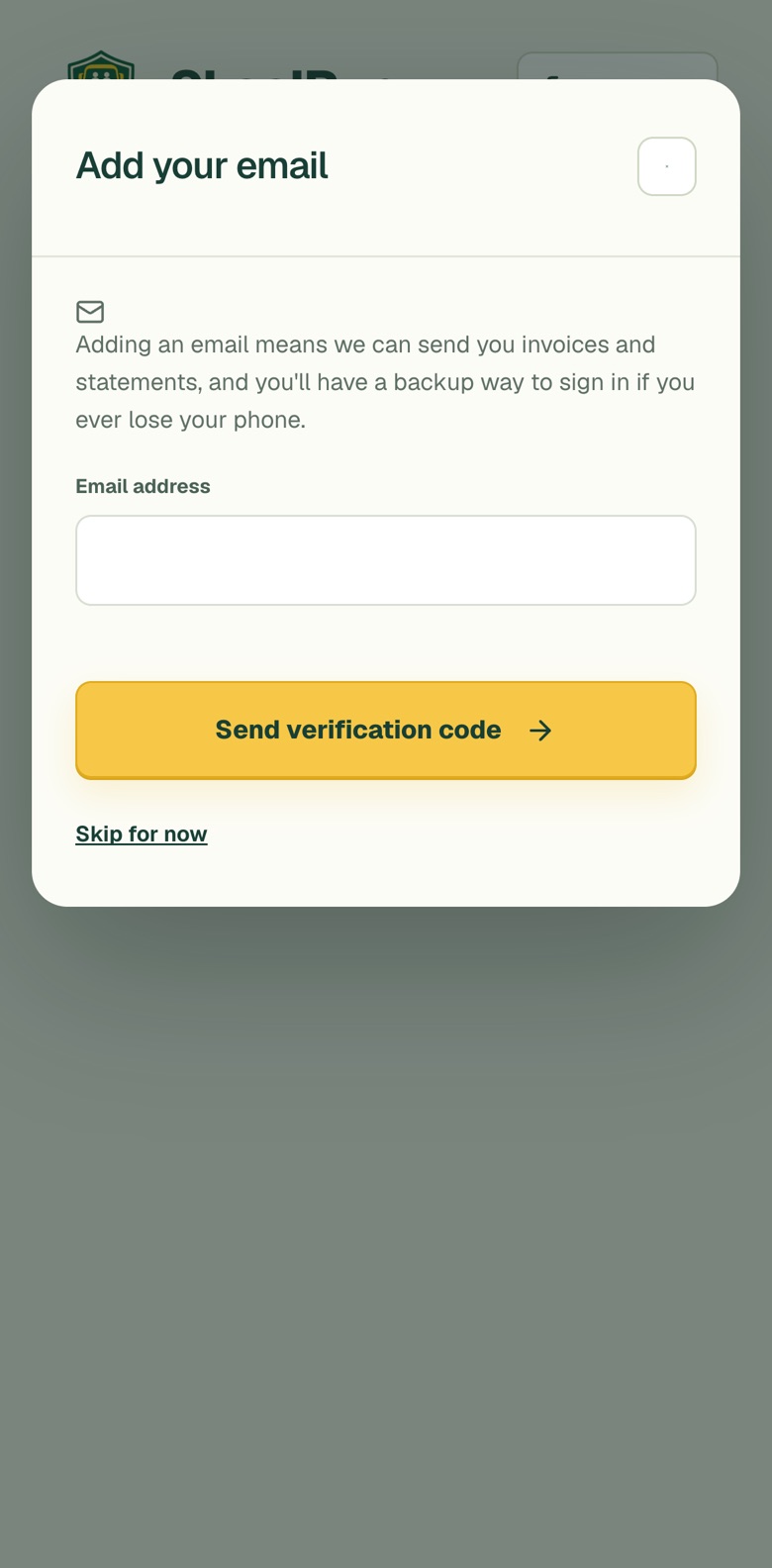
Sign in to SkoolRun. If your account has no email yet, an Add your email box opens. Type your email address and tap Send verification code.
An email gives you a backup way to sign in if you ever lose your phone.
 SkoolRun.
You signed up with your mobile number. Adding an email takes about two minutes and gives you a backup way to sign in.
Works in the app and in your browserSign in to SkoolRun. If your account has no email yet, an Add your email box opens. Type your email address and tap Send verification code.
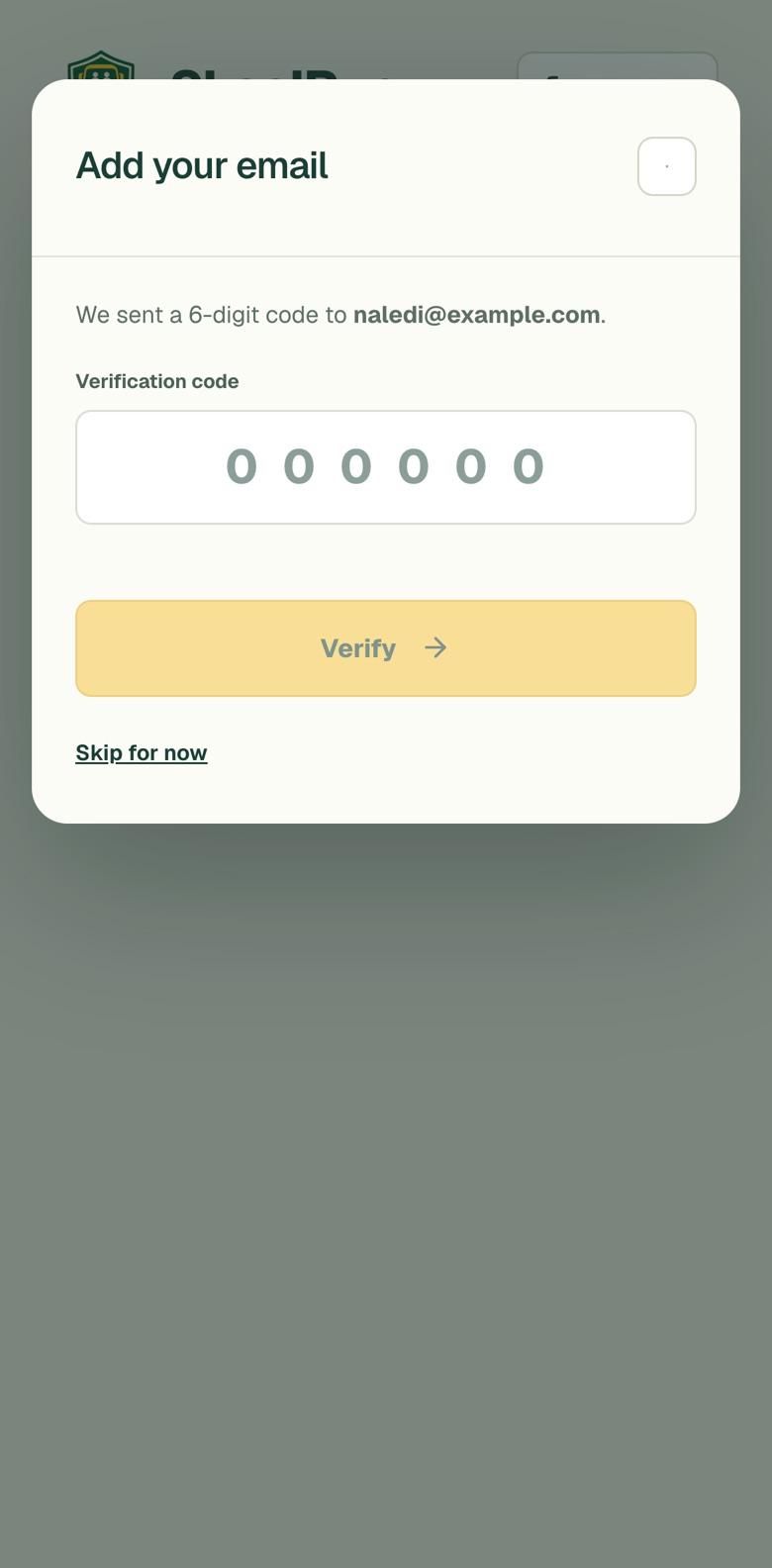
We email a 6-digit code to the address you typed. Open the email, type the code into SkoolRun and tap Verify. The code works for 10 minutes.
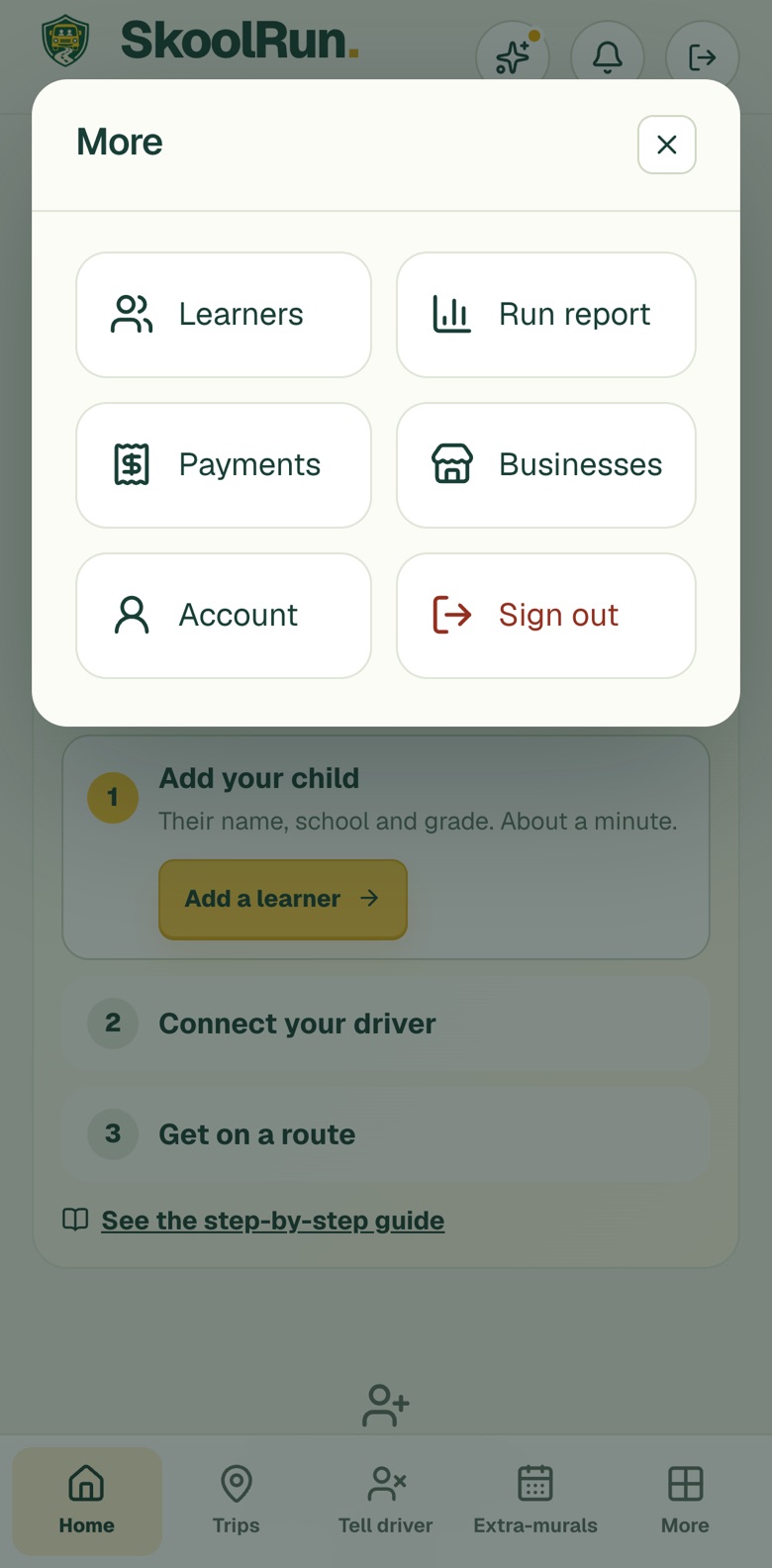
You can add your email at any time. Tap More at the bottom right, then tap Account.
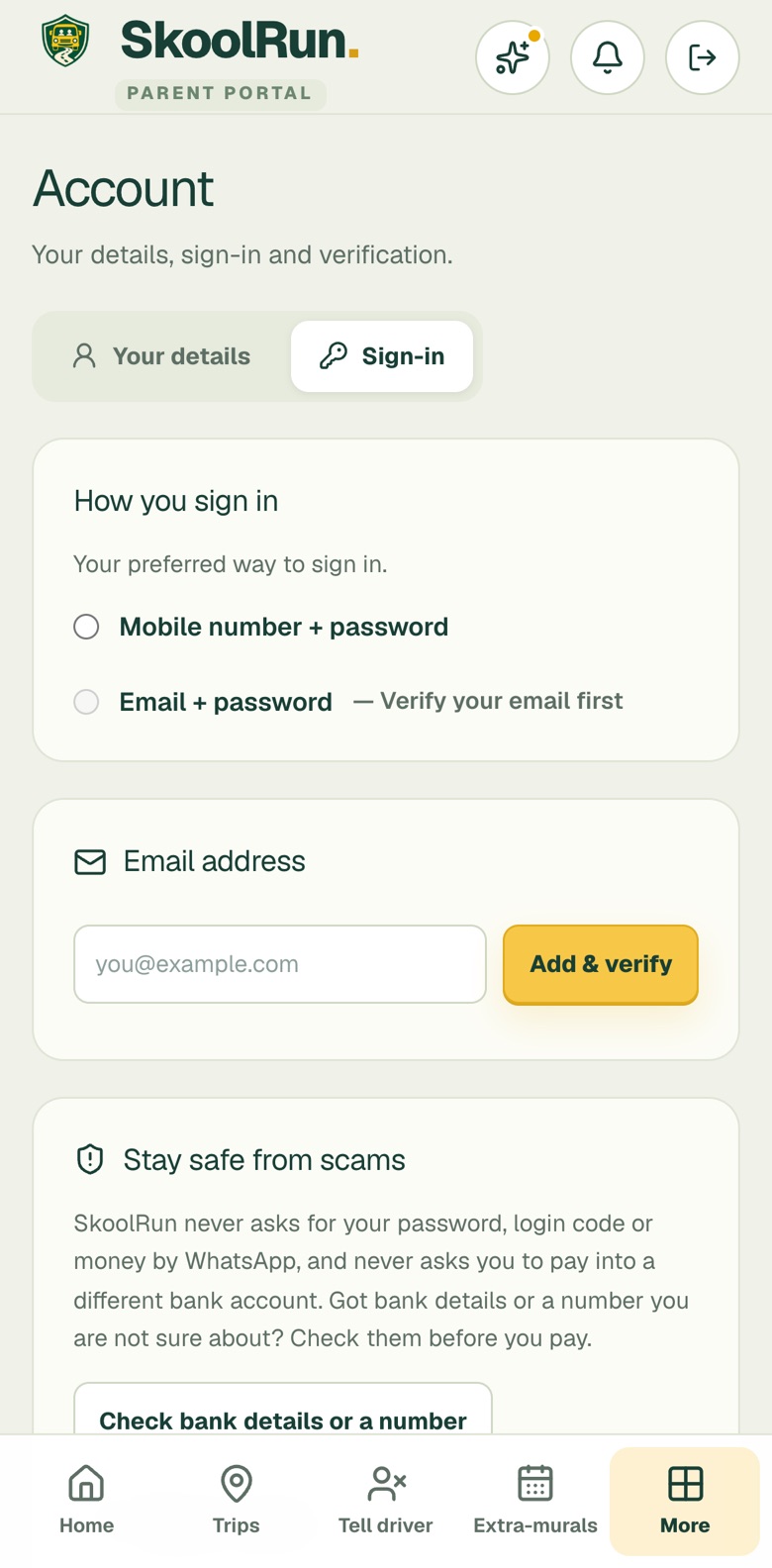
In Account, tap the Sign-in tab. Under Email address, type your email and tap Add & verify. Enter the 6-digit code we send, and your email shows as Verified.
How we verify and protect you →
A 6-digit code proves the email is really yours.
To help you sign in and to send you important messages.
Stuck at any step? Message us and we will help.